Blog
Installation Effects: How Inlet Clearance and Guard Geometry Change Real Airflow

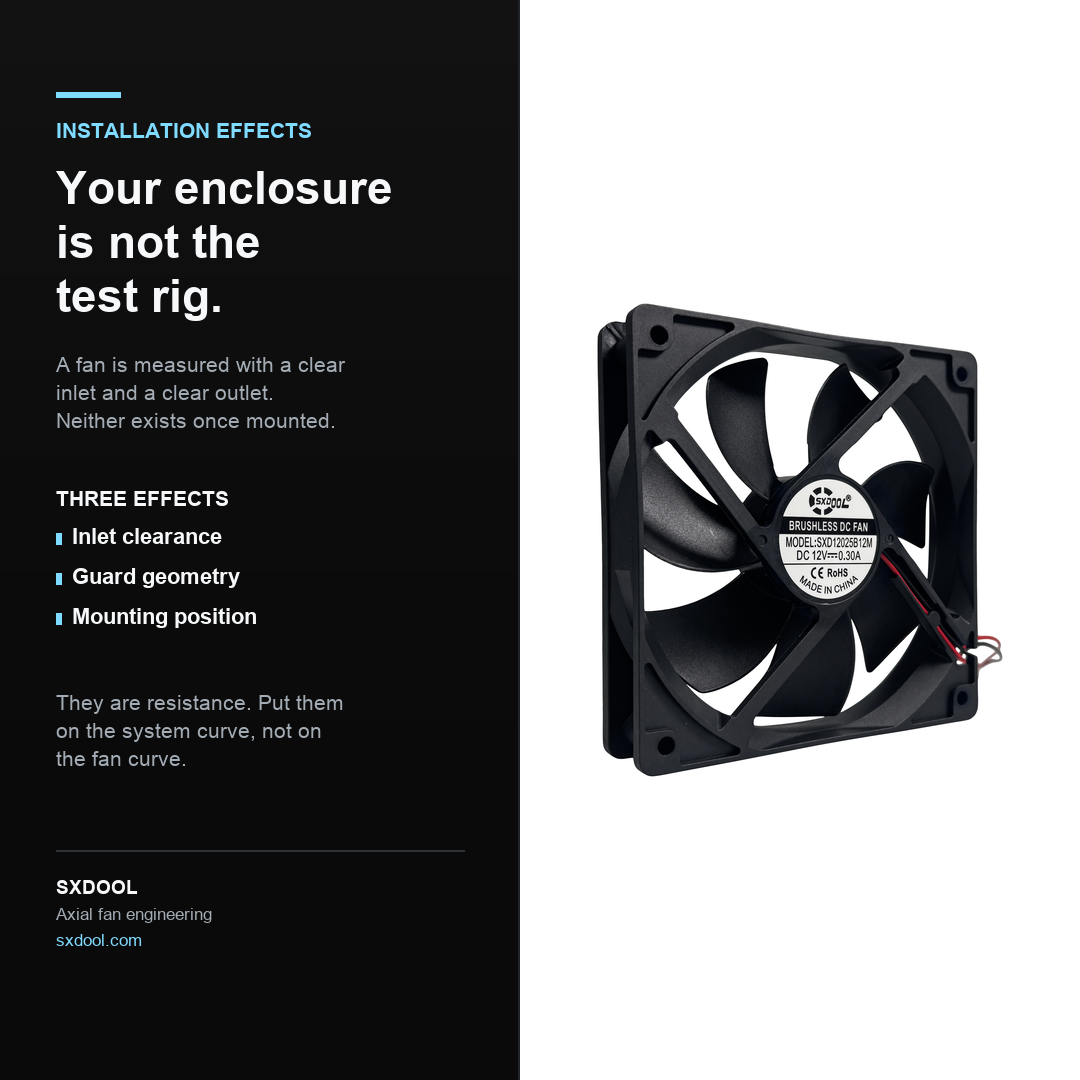
Every fan on a datasheet was measured on a rig with a clear inlet and a clear
outlet. Your enclosure is not that rig, and the difference is not a rounding
error — it is a change in the operating point.
The catalogue airflow figure describes the fan. It does not describe the fan
installed. Between the two sit three effects that are easy to overlook and
straightforward to design for.
Effect 1 — Inlet clearance
A fan needs an unobstructed approach on the inlet side. Push it close to a
flat surface — an enclosure wall, a plenum floor, a heatsink face, a bundle of
cable — and the impeller can no longer draw from the full annulus around the
blade tips.
What happens next is worth stating precisely, because it is often described
incorrectly. The fan does not simply “lose airflow”. It moves to a
different point on its own curve, and because the inlet is starved, the
system resistance curve effectively shifts. The visible symptoms are a lower
delivered flow, a higher noise level for the same speed, and — in the worst
cases — a rise in the blade-passing tone as the inflow field becomes uneven.
Distinguishing feature: an inlet-clearance problem usually gets
worse as the fan speeds up, because the demand for air scales
with speed while the available approach area does not.
Effect 2 — Guard geometry
A finger guard, a honeycomb grille or a perforated panel does two things at
once, and only one of them is normally accounted for.
The first is straightforward: it adds a resistance term to the system
impedance curve. That is a predictable, calculable penalty and it belongs in
your system curve alongside the filter and the heatsink.
The second is the one that gets missed: a guard sitting close to the impeller
sits inside the inflow field. Beyond its open-area ratio, its geometry
matters — a coarse wire guard that is mostly open can disturb the inflow more
than a finer mesh with a similar or lower open area, if the wires sit where the
blade tips pass closest.
Distinguishing feature: a guard problem is visible on the curve at
high flow, low pressure conditions first — the top-right region
— because that is where the fan is most sensitive to inlet losses.
Effect 3 — Mounting position and orientation
Where the fan sits in the enclosure decides what its outlet discharges into,
and that decides how much of its work survives.
Three common arrangements produce recognisable problems:
- Discharging into a plenum with no exit path — the fan
builds pressure it cannot use, and recirculation begins around the
impeller - Two fans sharing an outlet plenum — each fan sees the
other as an obstruction, so the pair delivers less than twice a single
fan (the same non-linearity that governs
parallel
fan arrays) - Corner or edge mounting — the fan draws partly from the
enclosure and partly from the gap beside it, so some of the airflow
short-circuits instead of passing over the components it was meant to
cool
How to design for installation effects without a test rig
You do not need measured derating curves to handle this correctly. You need
to put the effects in the right place in the model.
Put them in the system curve, not on the fan curve
Installation effects are resistance, so they belong in the system impedance
curve — as a term added by the guard, and as an effective reduction in the
inlet approach area. The operating point is then the intersection of the
unmodified fan curve with the modified system curve. This is the single most
useful discipline, because it keeps the fan’s published data intact and makes
the installation assumption explicit and reviewable.
Make the inlet the same conversation as the outlet
Most thermal reviews spend their time on the exhaust path — where the hot air
goes — and treat the inlet as a given. In practice the inlet is where the
penalty usually hides, because it is the side that gets crowded by other
components, wiring and structure.
Treat open-area ratio as a design parameter, not an afterthought
When a guard must be chosen, prefer the geometry that presents the most open
area to the inflow — and choose it during mechanical design, while the guard
position is still free, rather than after the enclosure is fixed.
Prefer verification to estimation
Where the arrangement is critical, measure the assembled article. The
quantity worth measuring is delivered airflow or, failing that, static pressure
at the working point — not the free-air figure, and not the fan speed, which
tells you what the motor is doing and not what the air is doing. It is also
worth comparing noise before and after the guard is fitted; the change is a
convenient indicator that the inflow field has been disturbed.
Do not carry an unmeasured derating factor
A derating factor that nobody can trace back to a test is worse than no
factor at all, because it creates false confidence: the design passes on paper
and fails in the chamber. If you cannot measure, state the assumption explicitly
in the thermal budget so the next engineer can challenge it.
Where we can help
- Curves you can actually use. Supply the P-Q curve so the
installation penalty can be modelled on your side instead of guessed at. - Measured in your arrangement, when you can send it. If
you can supply the mounting plate and the guard, we would rather test the
real configuration than quote you a number derived from a bare fan. - Guard and mounting options as part of the specification.
Where the interface is ours to define, we will state the clearance and
the guard geometry the design assumes — so the assumption travels with
the part.
If airflow is short and the fan looks adequate on paper
Send us the arrangement and the operating point. The most common answer is
not a bigger fan, but a fan with more static pressure at the flow your design
actually needs — and a mechanical change that gives the inlet a clear approach.
Both are cheaper than discovering the problem during qualification.