NAS and Storage Enclosure Cooling Fans
A NAS cooling fan must move air through the populated drive cage while keeping the drives, processor and expansion devices within their own thermal limits. For an OEM storage enclosure, choose the fan from the installed airflow resistance, available space, supply and control interface. A larger free-air airflow rating alone does not establish cooler drives, lower noise or compatibility with an existing NAS.
This guide covers the internal cooling of network-attached storage (NAS), disk shelves and custom storage enclosures. For ventilation around complete rack equipment, use the server cabinet cooling guide. A fan proposed for a new enclosure is a candidate for testing; it is not an approved replacement for a branded NAS.
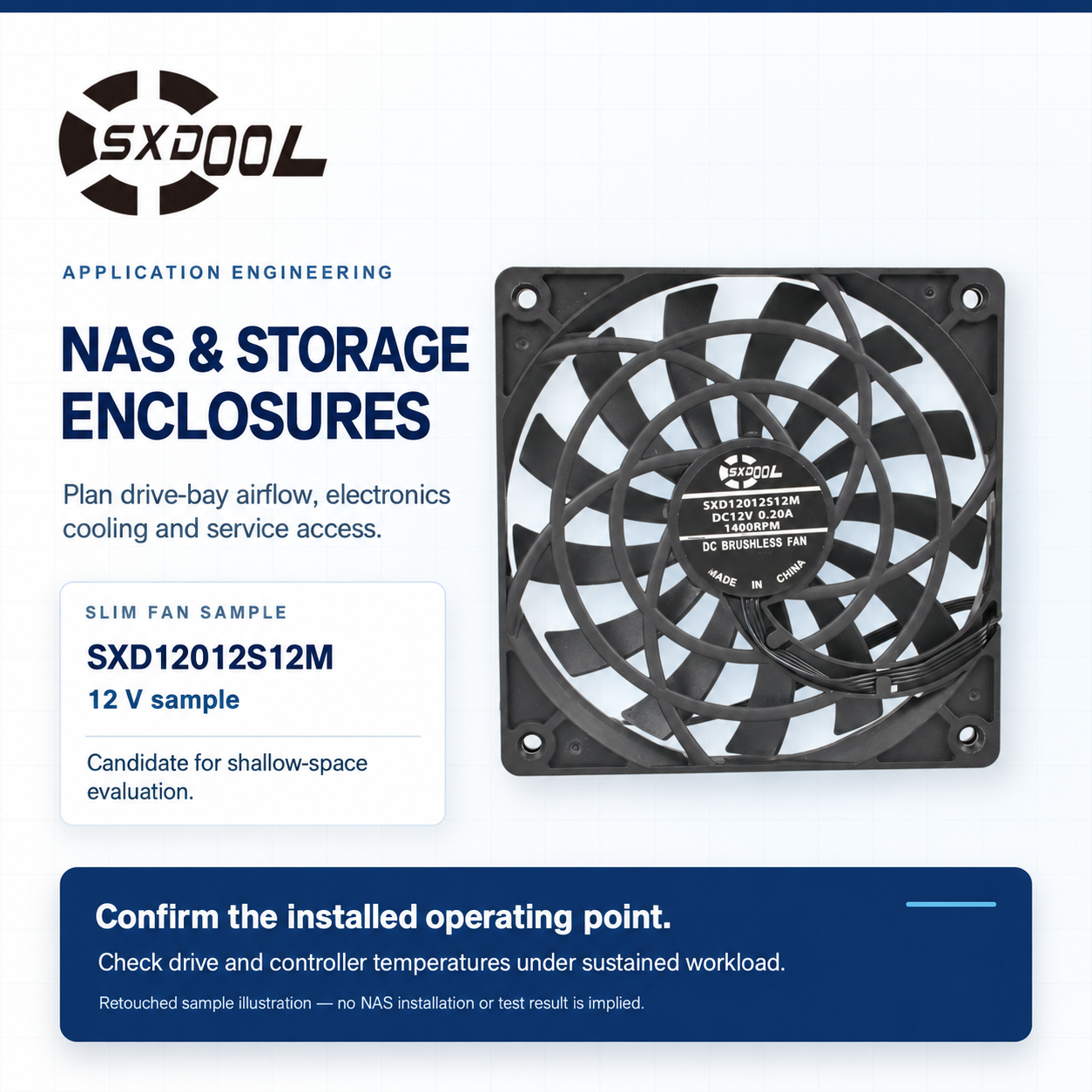
Find the hot drive, not just the warm enclosure
Begin with the fully populated configuration that the enclosure is intended to support. Map the HDD or SSD bays, backplane, processor heat sink, memory, NVMe devices and network or storage adapters. Record where cooling air reaches each heat source and where it can bypass the drive pack. Check the power supply separately if it has its own cooling path.
Drive temperatures and processor temperature answer different questions. A cool CPU does not prove that the last drive in a row receives enough air. Likewise, a rear chassis fan may move substantial air while an expansion card creates a poorly ventilated pocket.
QNAP documents a specific example in which a QM2-4P-384 NVMe expansion card can increase heat and restrict airflow in a NAS. That example supports checking the final card layout; it does not establish compatibility between a QNAP enclosure and an SXDOOL fan. See QNAP’s expansion-card thermal guidance, updated July 3, 2025.
Choose for the drive cage and the operating mode
Trace the intended path from inlet openings, through the drives and backplane, to the fan and exhaust. Drive trays, grilles, cable bundles and any filter add resistance. Empty bays can also change the path, so use the enclosure manufacturer’s specified blanking pieces and supported population patterns. Confirm airflow direction on the final assembly drawing.
A desktop NAS used near people needs an acoustic assessment in its actual enclosure. A rack storage chassis may instead be constrained by shallow fan depth, pressure loss and service access. These are different design tradeoffs; a quiet desktop fan is not automatically a suitable rack fan.
QNAP’s QTS 5.2.x Smart Fan documentation illustrates why the controller matters: its automatic control considers system, disk and CPU temperatures, and its available modes trade fan speed against noise and cooling. The features and settings of the actual NAS model govern its operation.
For an OEM design, specify the startup behavior, minimum usable speed, speed-control method and required fault feedback. Connector shape and wire count do not establish pinout, PWM support or tachometer compatibility. Keep the controller’s fan-failure detection functional; do not choose a fan on the assumption that an alarm can be disabled.
A slim SXDOOL candidate when mounting depth is limited
The SXDOOL 12012 slim DC axial fan family lists a nominal 120 × 120 × 12 mm frame and identifies its pictured SXD12012S12M as a 12 V sample. This is a candidate to investigate for a shallow electronics compartment in a custom NAS or storage enclosure that can accommodate the 120 mm frame and a suitable axial airflow path.
The reason to review this candidate is its listed shallow envelope. That does not establish adequate flow through a densely populated drive cage. If the available inlet clearance or the required operating point cannot be met, change the fan or the airflow layout rather than treating a slim frame as proof of suitability. The family’s separately offered voltage configurations are not a universal-input fan.
Request the drawing and pressure–airflow curve for the exact proposed SXD12012S12M configuration, together with electrical limits and interface details. Check the full assembly depth, cable exit and inlet clearance. This guide does not assign a delivered airflow, noise limit, PWM or tachometer capability, bearing, lifetime, ingress rating or certification to the sample.
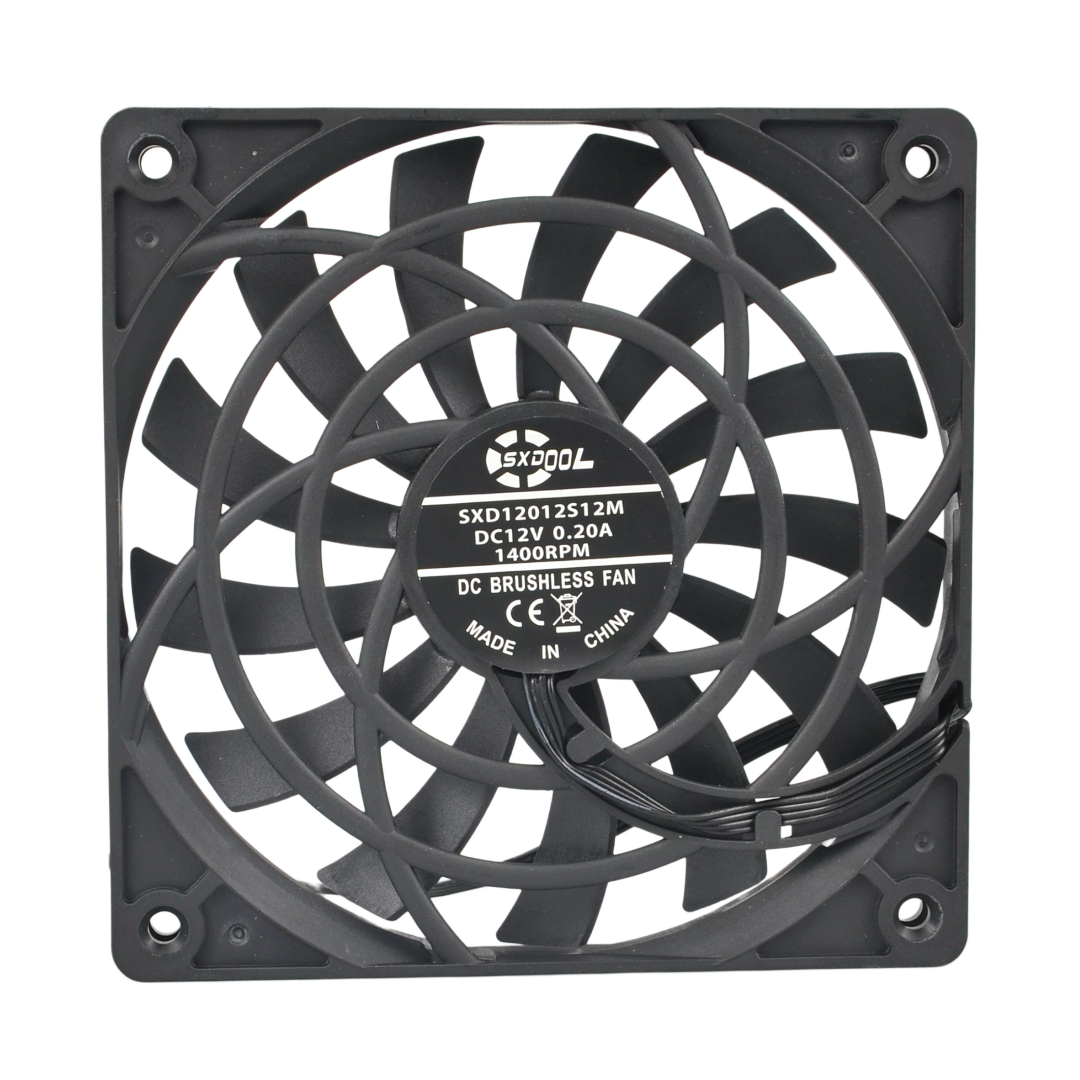
Replacement boundary: an existing Synology, QNAP or other branded NAS may require its own fan assembly, pinout and control behavior. Follow that equipment manufacturer’s service and compatibility instructions. Neither this guide nor the family photo establishes a drop-in SXDOOL replacement.
Validate the assembled storage enclosure
Set acceptance limits from the manuals for the exact drives and electronics. Use their specified sensor or measurement point rather than treating a single room-temperature reading as the acceptance result. As one documented example, the Seagate IronWolf Pro manual, 206815300 Rev B, July 2025, section 2.6.1 calls for checking cooling in the final mechanical configuration during read/write activity after temperatures stabilize. Its limits apply to its listed drive models, not every HDD or SSD.
| Operating condition | What to record | What it can reveal |
|---|---|---|
| Supported full and partial drive populations | Temperature by bay, inlet temperature, fan speed and installed trays or blanks | Bypass air or a hot bay hidden by an enclosure average |
| Sustained transfers and the intended maintenance workload | Drive and controller temperatures after stabilization, workload and cooling mode | Insufficient margin during a long load; include rebuild or scrub conditions only in an approved test plan |
| Maximum planned NVMe and network-card configuration | Local component temperatures, obstructions and any throttling | An expansion-device hot spot outside the main drive airflow path |
| Quiet operation and speed transitions | Sound at a defined listener position, tonal noise, vibration and thermal limits | A mode that is quiet at idle but unsuitable for the sustained workload |
| Service condition and fault response | Accessible intake condition, restart behavior and controller alarm response | Loss of cooling margin or a fault the controller cannot detect |
Conduct these checks on a controlled test assembly with an approved data and fault-test procedure. Do not create a degraded production storage array or remove a live fan merely to exercise this checklist. A test result should identify the fan sample, enclosure revision, drive population, ambient conditions and controller settings so it can be reproduced.
NAS cooling questions
Can I replace a NAS fan with any fan of the same size?
No. Check the mounting depth and holes, supply limits, polarity, connector pinout, control and feedback signals, airflow direction and startup behavior. The replacement also needs thermal and acoustic testing in the enclosure. For a branded NAS, use its manufacturer’s approved service path.
Why can one disk run hot when the processor looks normal?
The drive and processor may sit in different airflow paths. Inspect that bay’s inlet, tray, cable clearance and position relative to the backplane and fan. Compare all drive temperatures under the same workload before changing fan speed.
Does a higher free-air CFM rating solve a dense drive-cage problem?
Not by itself. Free-air airflow is not the flow delivered through the cage. Compare the exact fan curve with the enclosure resistance, check bypass paths, and verify the resulting component temperatures. A larger rating can add noise without correcting a poorly supplied bay.
Is SXD12012S12M confirmed for quiet-mode NAS operation?
No NAS-specific result is established here. Its listed shallow family envelope and the pictured 12 V sample make it a screening candidate for certain custom electronics compartments. Quiet-mode operation depends on the exact fan configuration, controller, assembly acoustics and thermal test results.
What should be rechecked when drives or expansion cards change?
Recheck the heat sources, airflow obstructions, controller behavior and hottest component under the revised workload. Retain the previous test configuration so a change in drive population or card layout is not mistaken for a change in fan performance.
Send the storage configuration for a fan review
Include the enclosure layout and fan mounting drawing; drive models, form factors and bay population; processor, NVMe and network-card configuration; inlet conditions and component limits; intended workload and acoustic target; and available supply, startup-current budget, connector pinout, speed control and alarm requirements. State whether this is a new OEM design or a replacement request.
For the pictured SXD12012S12M candidate, ask for a matching drawing, curve and proposed sample configuration. If those do not satisfy the mounting, controller or duty-point requirements, keep the selection open instead of treating the model name as an approval.
Related resources: industrial cooling applications · DC, AC and EC fan selection · technical document requests.
Technical sources checked October 19, 2026. Equipment-maker references explain design considerations; they do not certify an SXDOOL fan for those products.